Review Equities
Start with single-name and sector-level equity monitoring to frame what is moving in the market.
Genesis Risk Monitor gives analysts a single market-data layer for listed equities, ETF exposures, commodity moves, and options context so monitoring, charting, and research all happen in one connected environment.
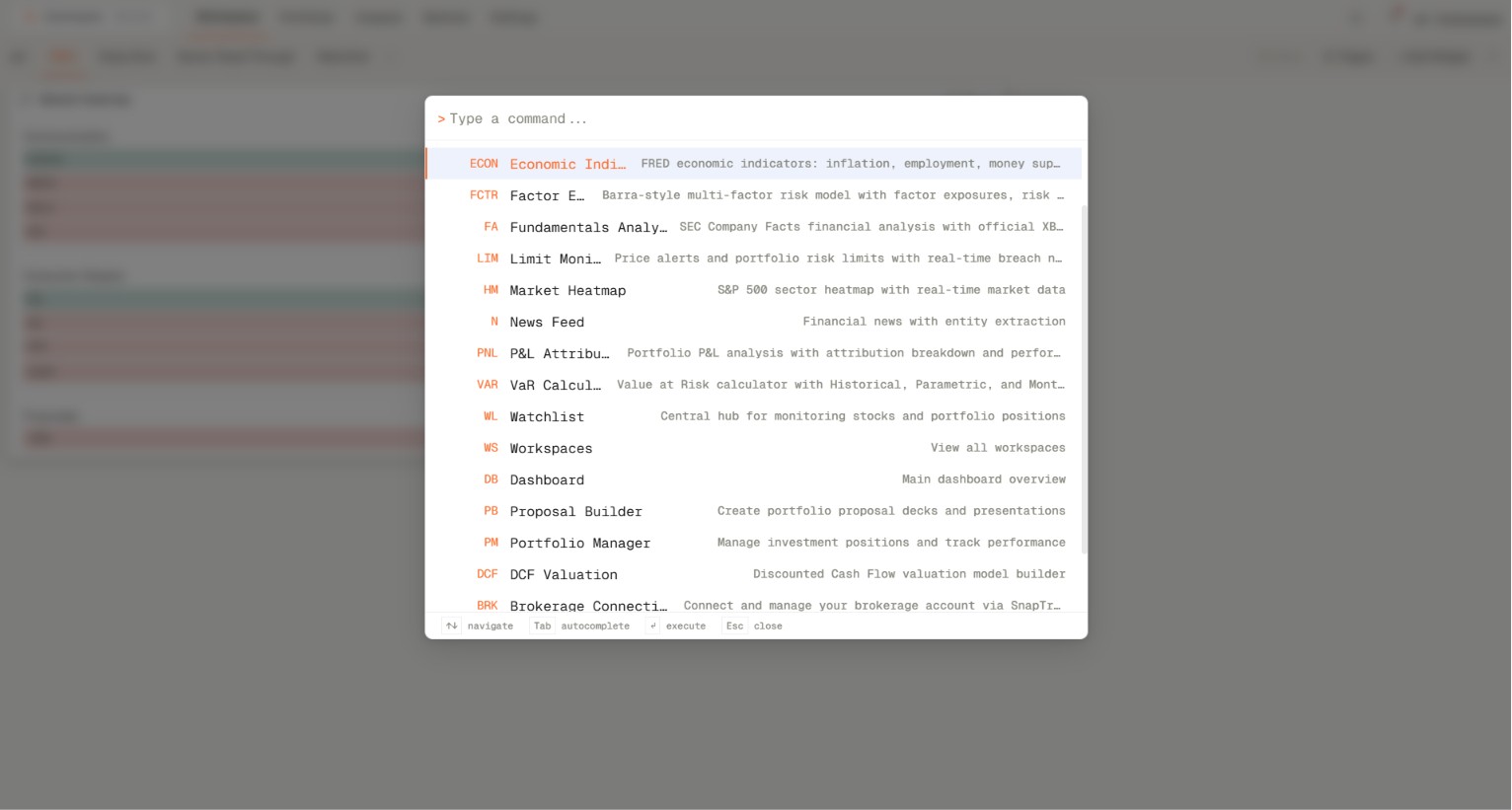
The markets and data layer keeps core asset-class coverage in one place so users can move from single-name equities to ETF baskets, commodity instruments, and options-linked activity without breaking their review workflow.
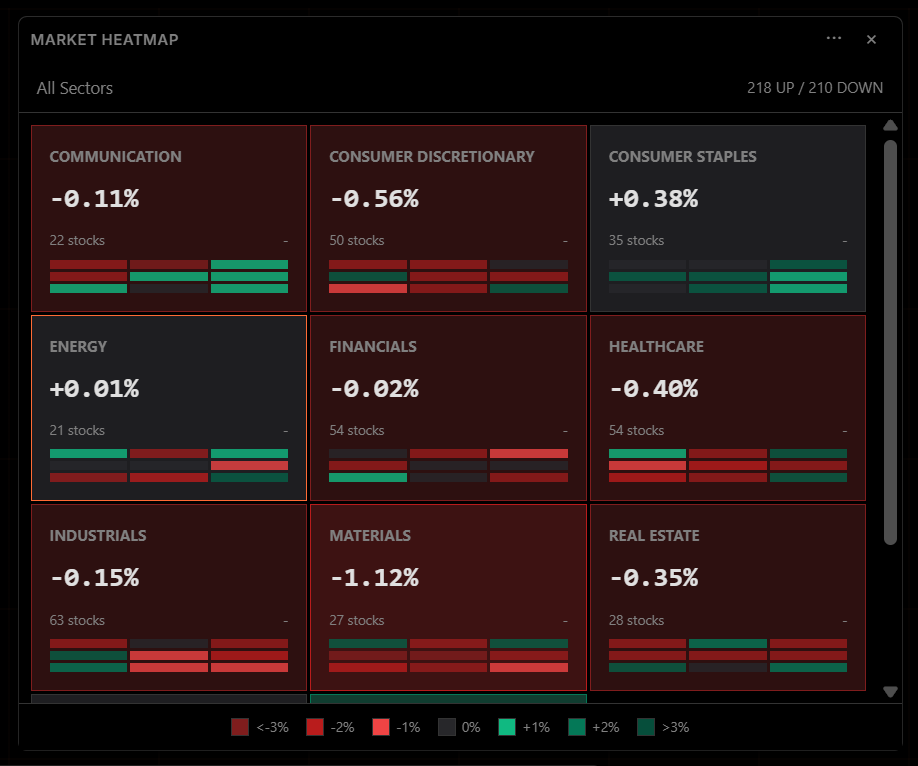
Instead of splitting charting, watchlists, and derivatives context across disconnected tabs, Genesis Risk Monitor lets analysts assemble reusable workspaces that hold their equities, ETF, commodity, and options views together.
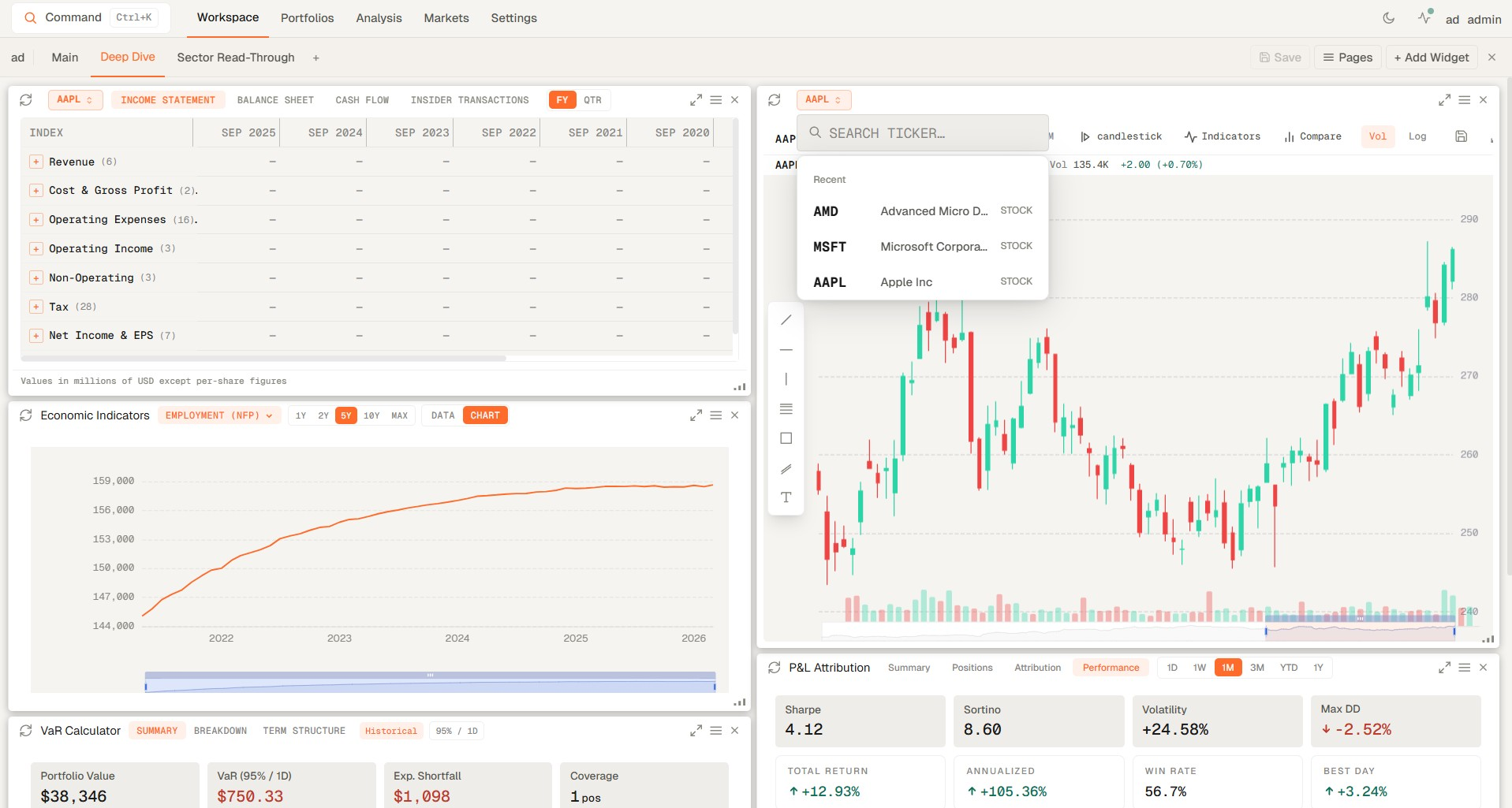
The value of the page is not just that the feeds exist. It is that equities, ETFs, commodities, and options can be reviewed in one sequence without breaking context between instruments.
Start with single-name and sector-level equity monitoring to frame what is moving in the market.
Use ETFs as benchmark, sector, and thematic lenses inside the same market session.
Keep commodity price action and cross-asset sensitivity visible while markets are moving.
Bring options-linked signals into the workflow before handing the session off to deeper research or risk review.
Step-by-step guide to building custom financial dashboards in Genesis Risk Monitor. Create multi-page workspaces with 20+ drag-and-drop widgets — VaR calculators, real-time market heatmaps, macro indicators, and more.
Learn how to analyze your portfolio and identify exactly where your investment risk is coming from. Understand systematic risk, correlation, factor exposure, and the hidden vulnerabilities Wall Street professionals track daily.
Start a trial and give your team one place to monitor cross-asset pricing, graphing, and market context without splitting the workflow across multiple tools.